HOW TO TURN WEBSITES INTO
WINDOWS APPS WITHOUT THE COMMAND LINE
Manifest errors, incorrectly formatted or sized icons, and signing failures can make Windows app creation slow and frustrating. Web2Windows Electron Builder guides and automates these steps, helping you avoid these problems and generate publication-ready MSIX packages much more easily.
CREATE STORE-READY MSIX PACKAGES WITH ELECTRON THROUGH A GUI APP. CLICK, BUILD, AND SUBMIT TO THE STORE.
Turning a website into a Windows app with Electron can be frustrating: dependency errors, complex configuration, and installer generation failures often stop the process. With Web2Windows, you avoid that complexity and turn your website into a Windows app in just a few clicks.
NO COMMAND LINE
Package your website with Electron in just a few clicks.
STOP FIGHTING BUILD ERRORS
Reduce rework by minimizing Store rejections.
From website to MSIX installer in minutes
Focus on the product, not the build pipeline.
DISCOVER WEB2WINDOWS ELECTRON BUILDER
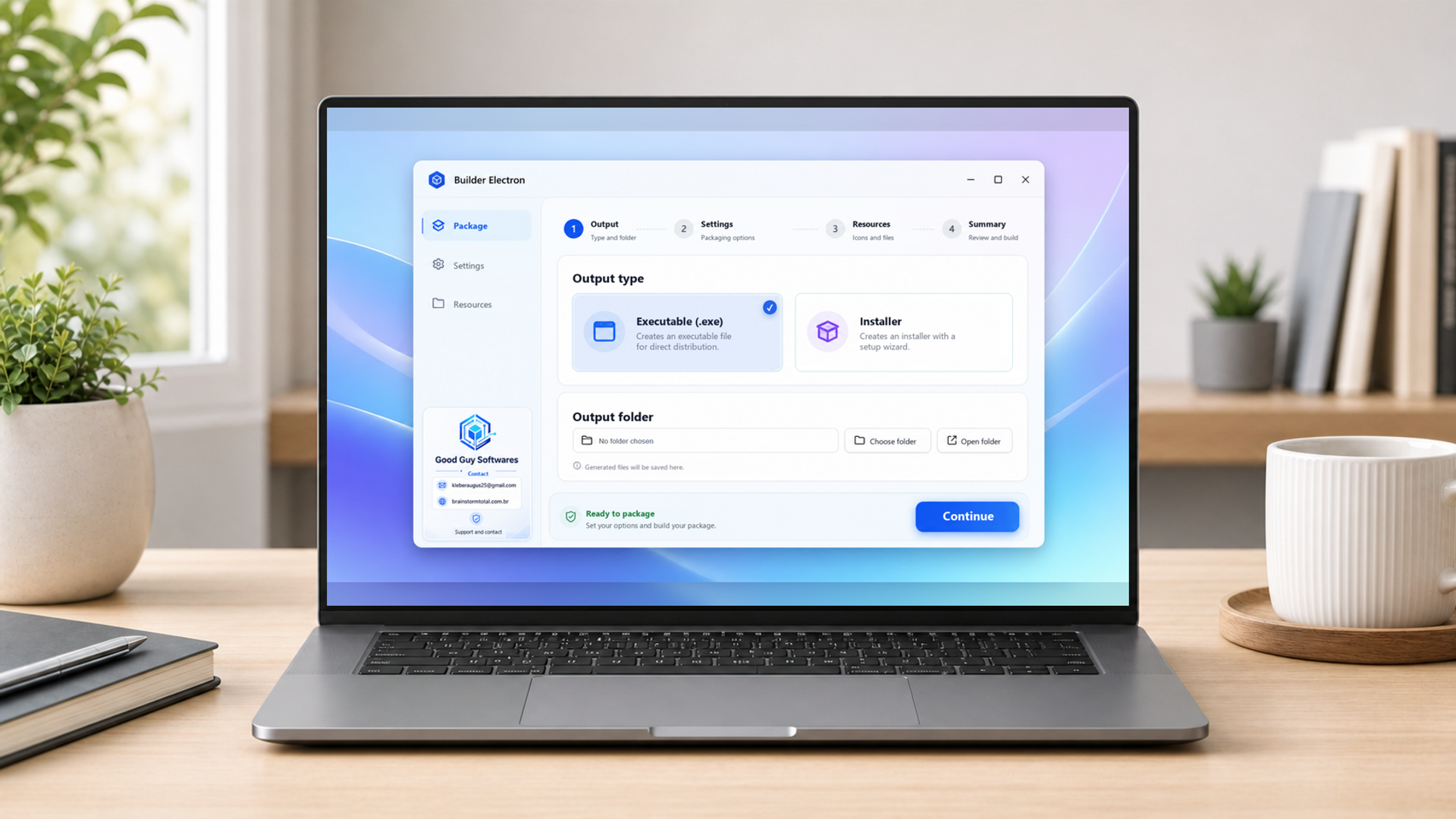
CHOOSE THE OUTPUT TYPE
Choose an executable or installer and define where the package will be saved. It all starts with a clear interface, without opening a terminal.
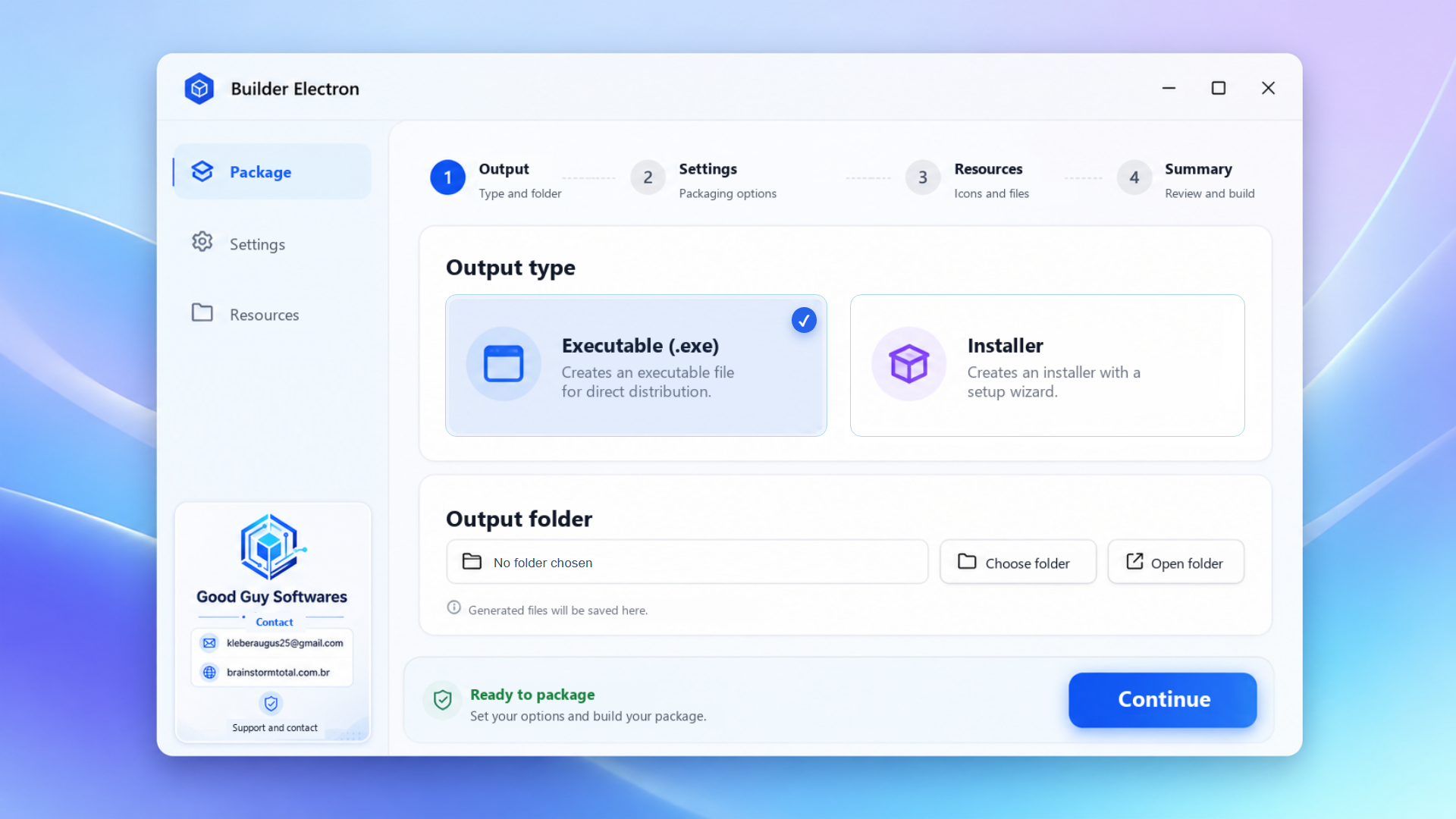
FOLLOW A GUIDED WORKFLOW
Move through organized steps to configure, add resources, review, and safely generate your Windows app.
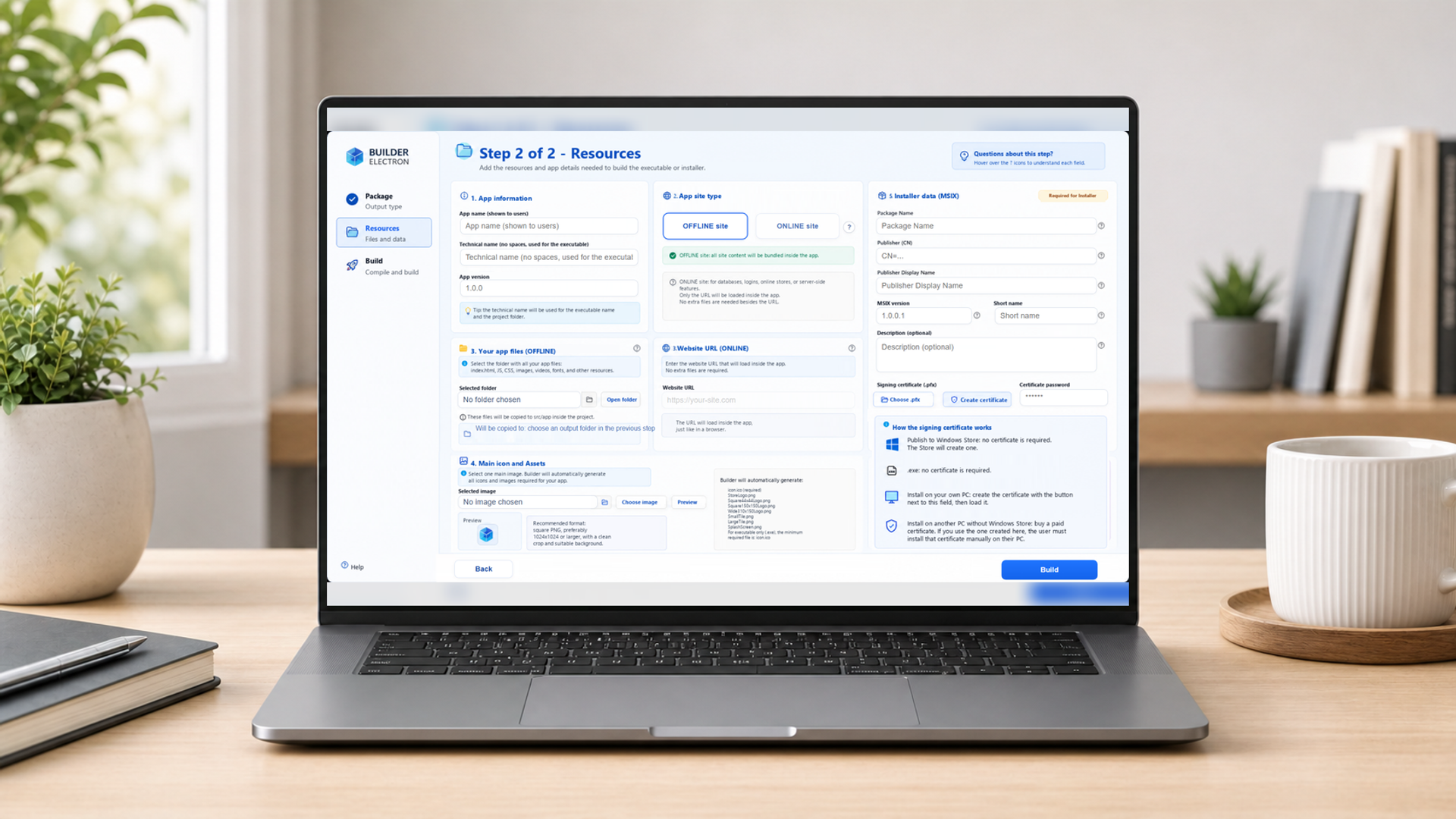
CONFIGURE RESOURCES AND MSIX
Enter app details, choose an online or offline website, and prepare the information required for the MSIX installer.
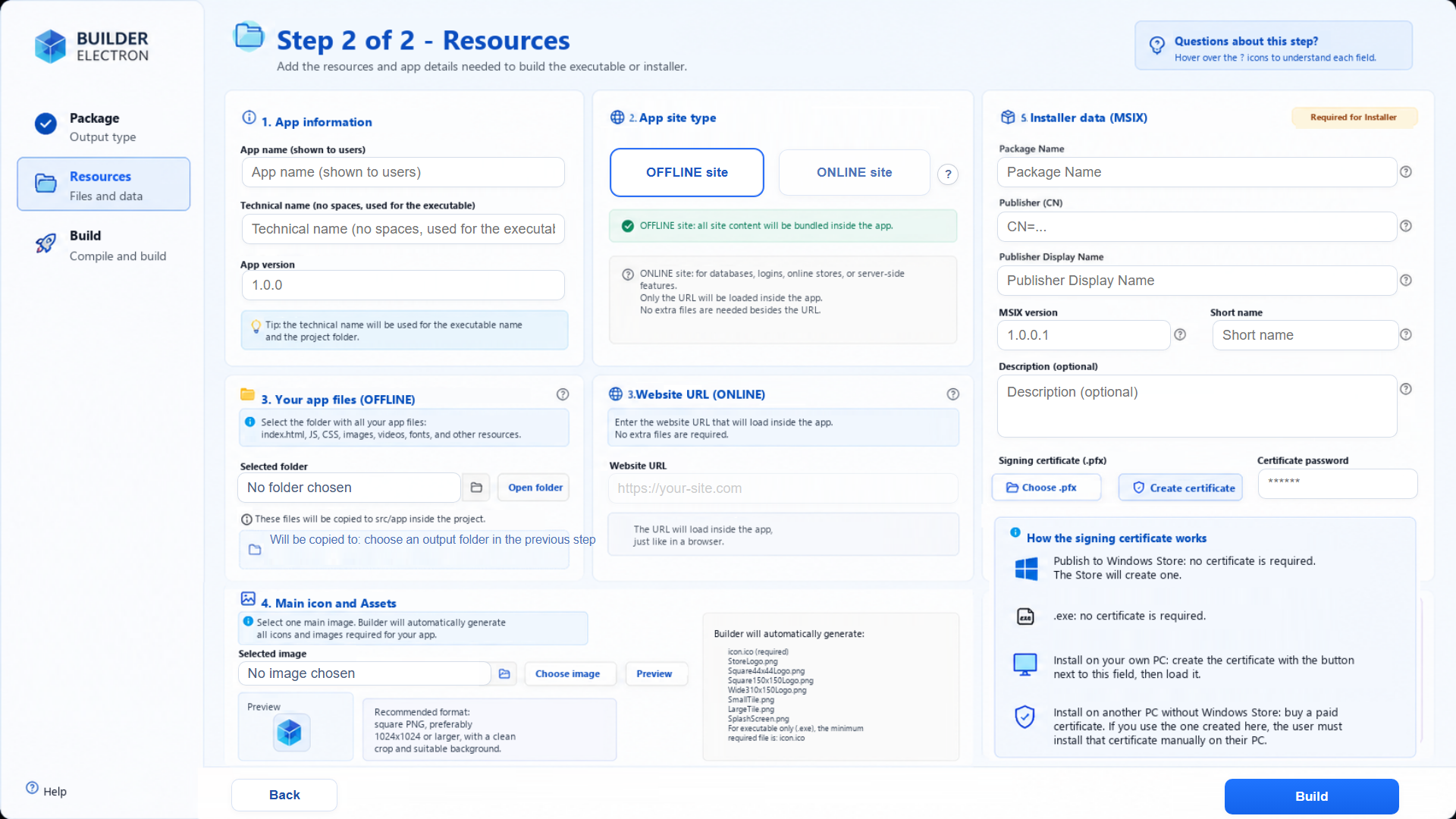
GET READY TO PUBLISH
Manage icons, files, signing, and Store data on one screen, reducing errors before generating the final package.